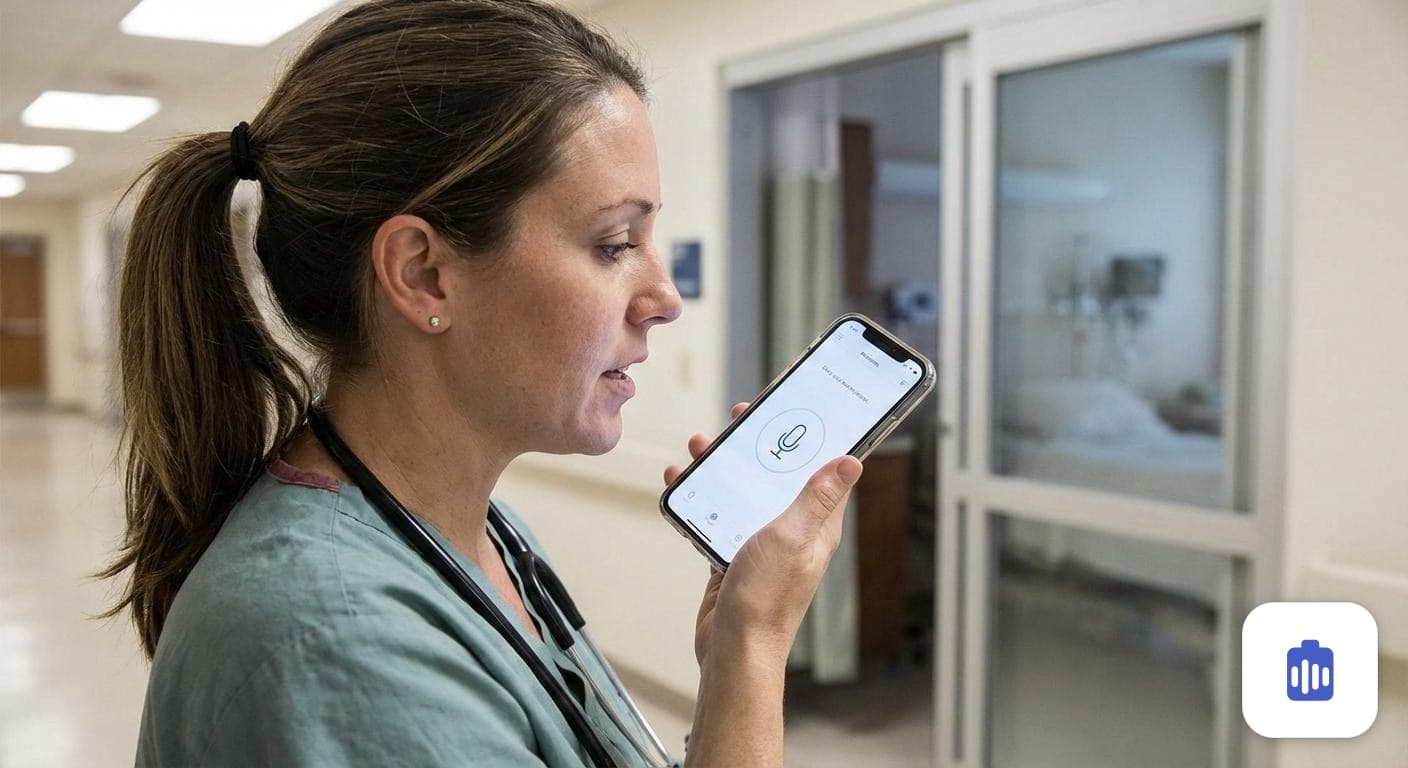
AI Ambient Scribe
Simply record your patient consultations. Our AI listens, understands medical context, and automatically drafts structured notes.
Record patient consultations and generate structured SOAP notes tailored to your specialty. Review, edit and save, so writing up a visit stops eating your evening.
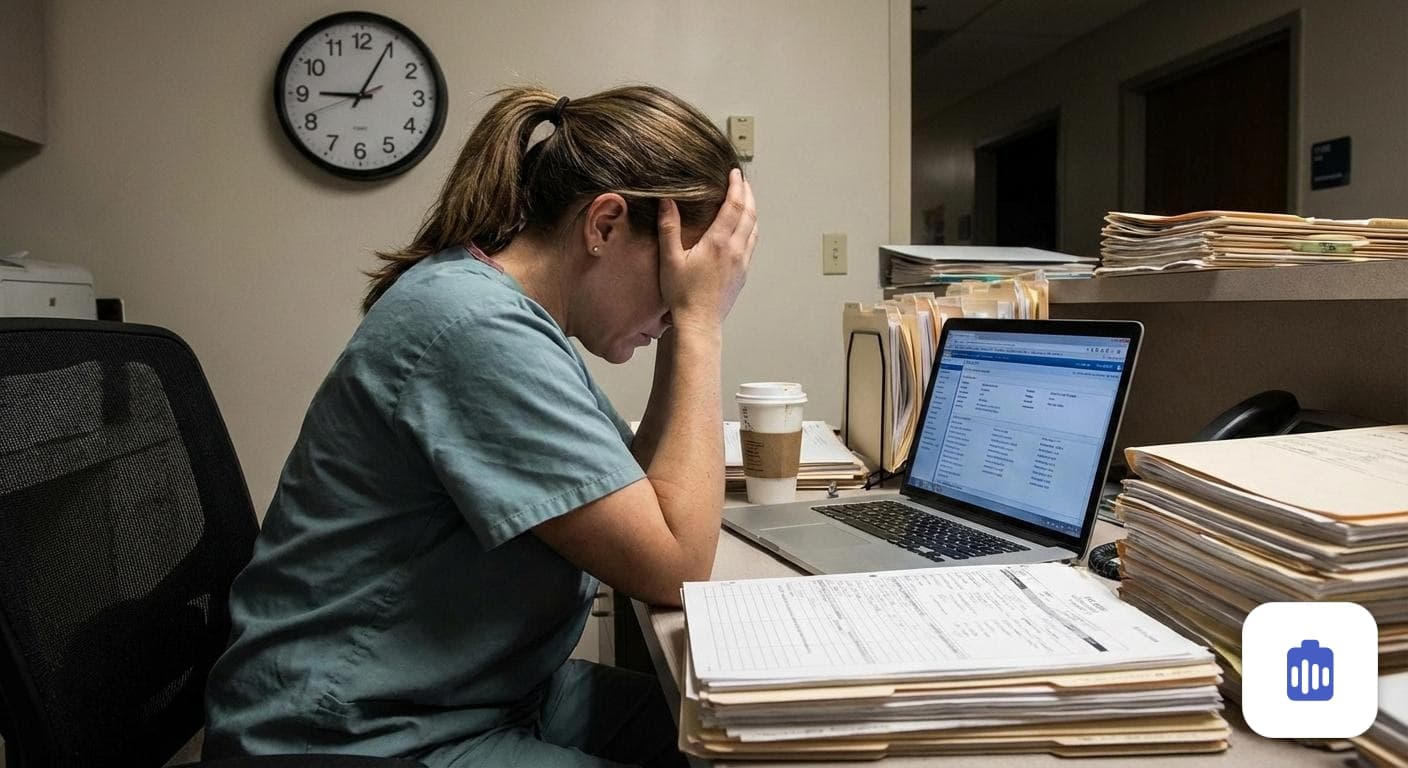
You went to medical school to care for patients, not to spend hours on charts.
Scribeside turns your conversations into structured notes so you can focus on what matters.
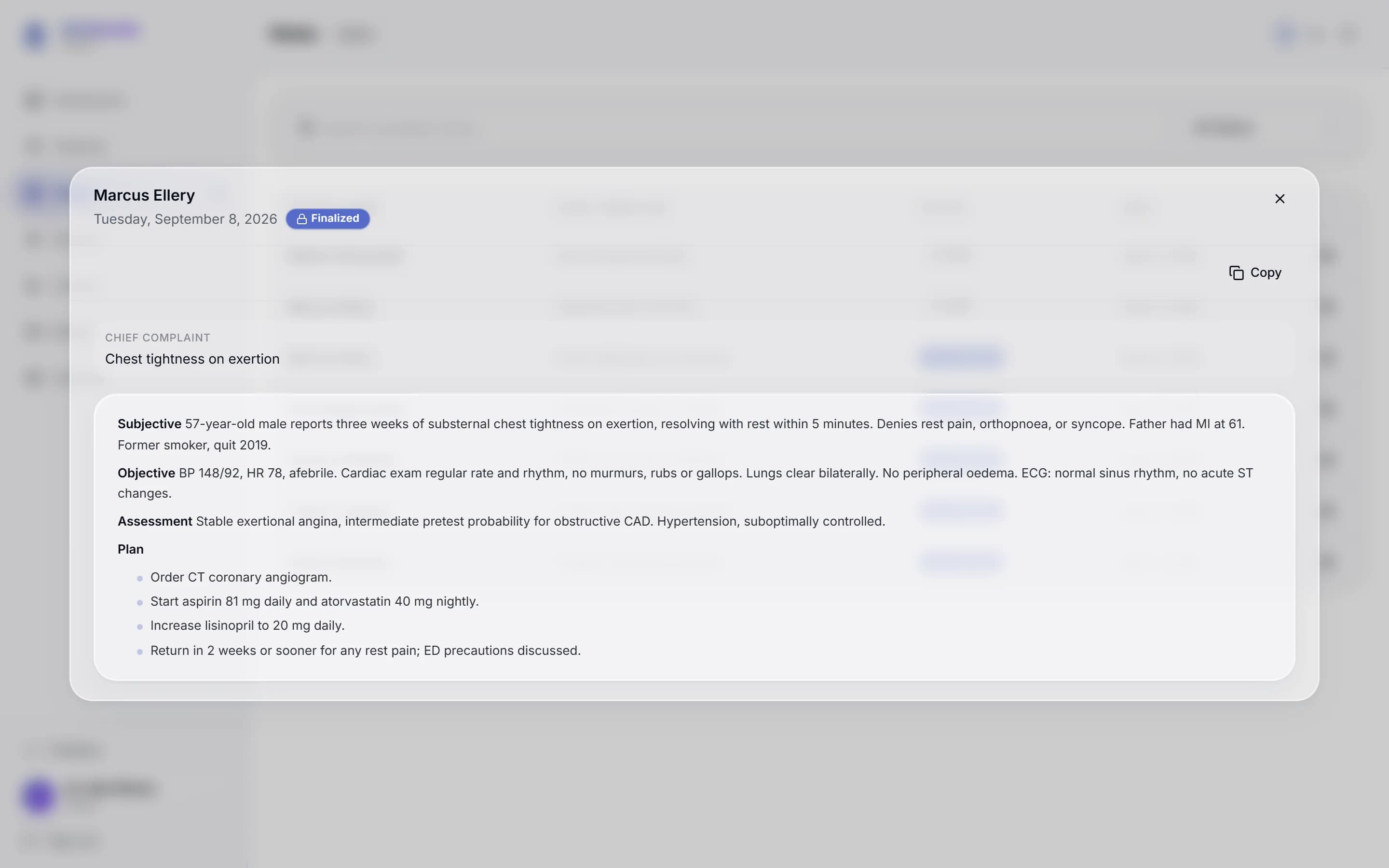
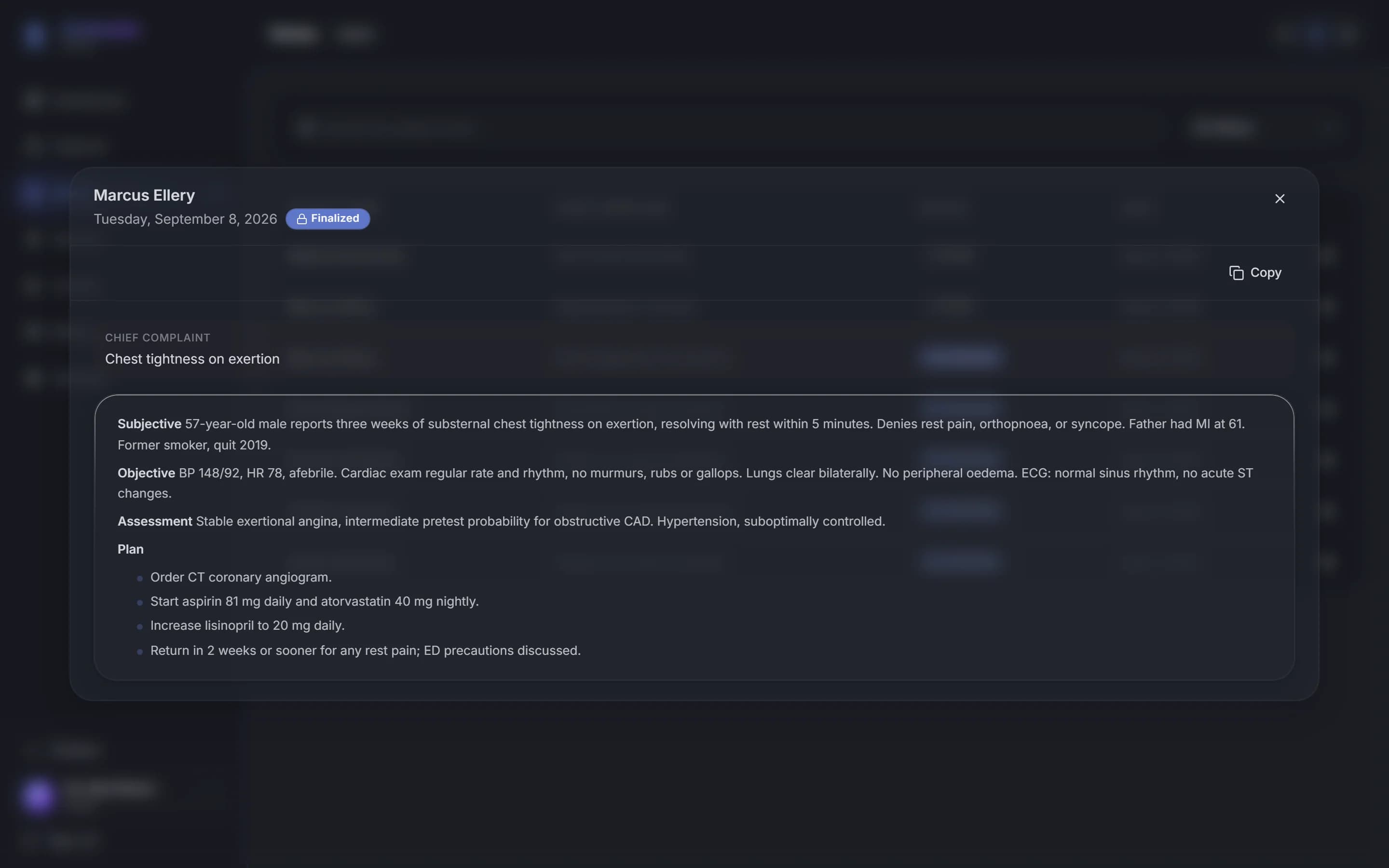
Real screens from the app, shown here with sample patient data. Every note is yours to read and edit before it reaches the chart.
The chief complaint sits at the top, then subjective, objective, assessment and plan, each section drafted from the consultation and ready to copy into your EHR.
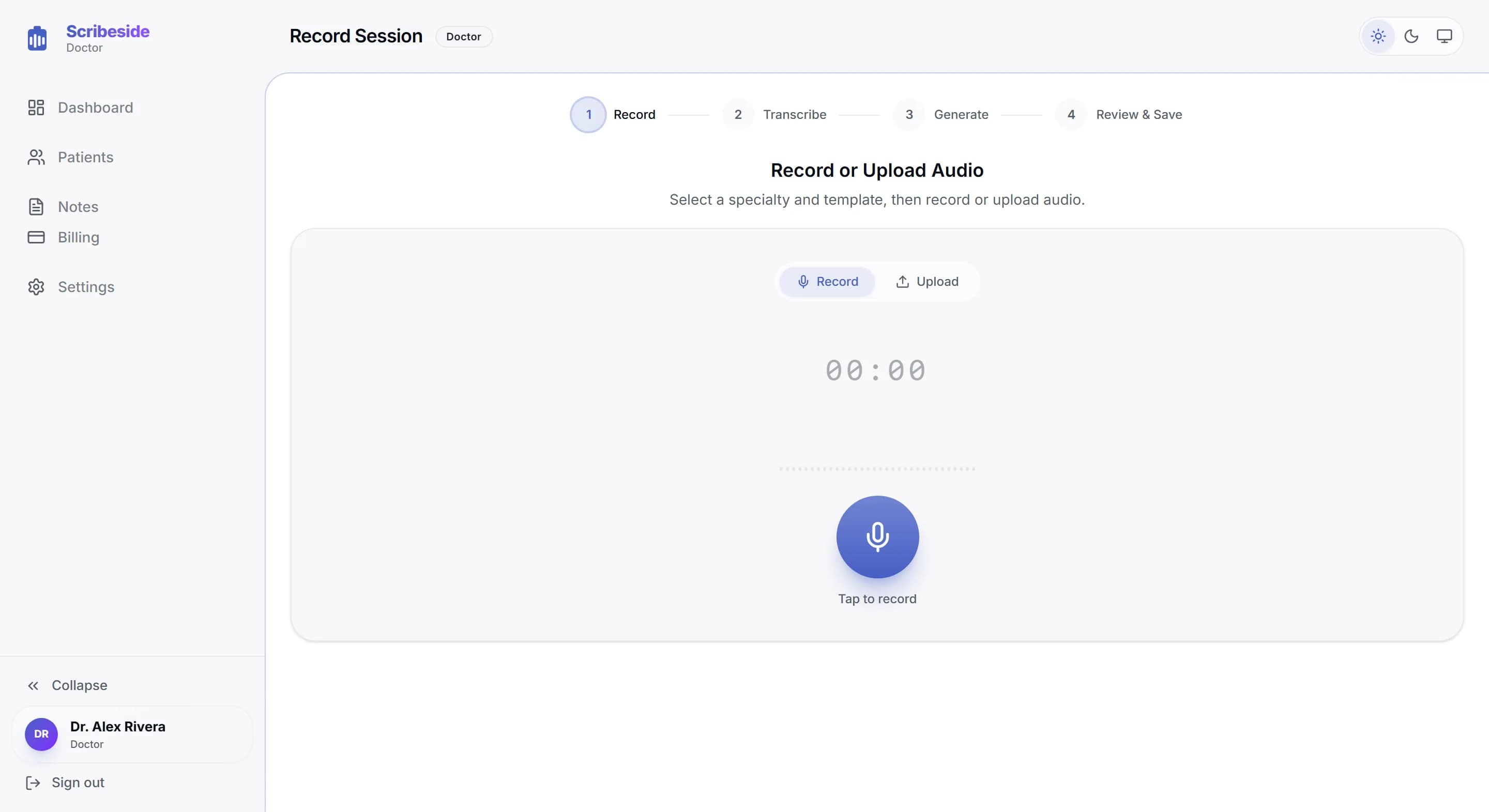
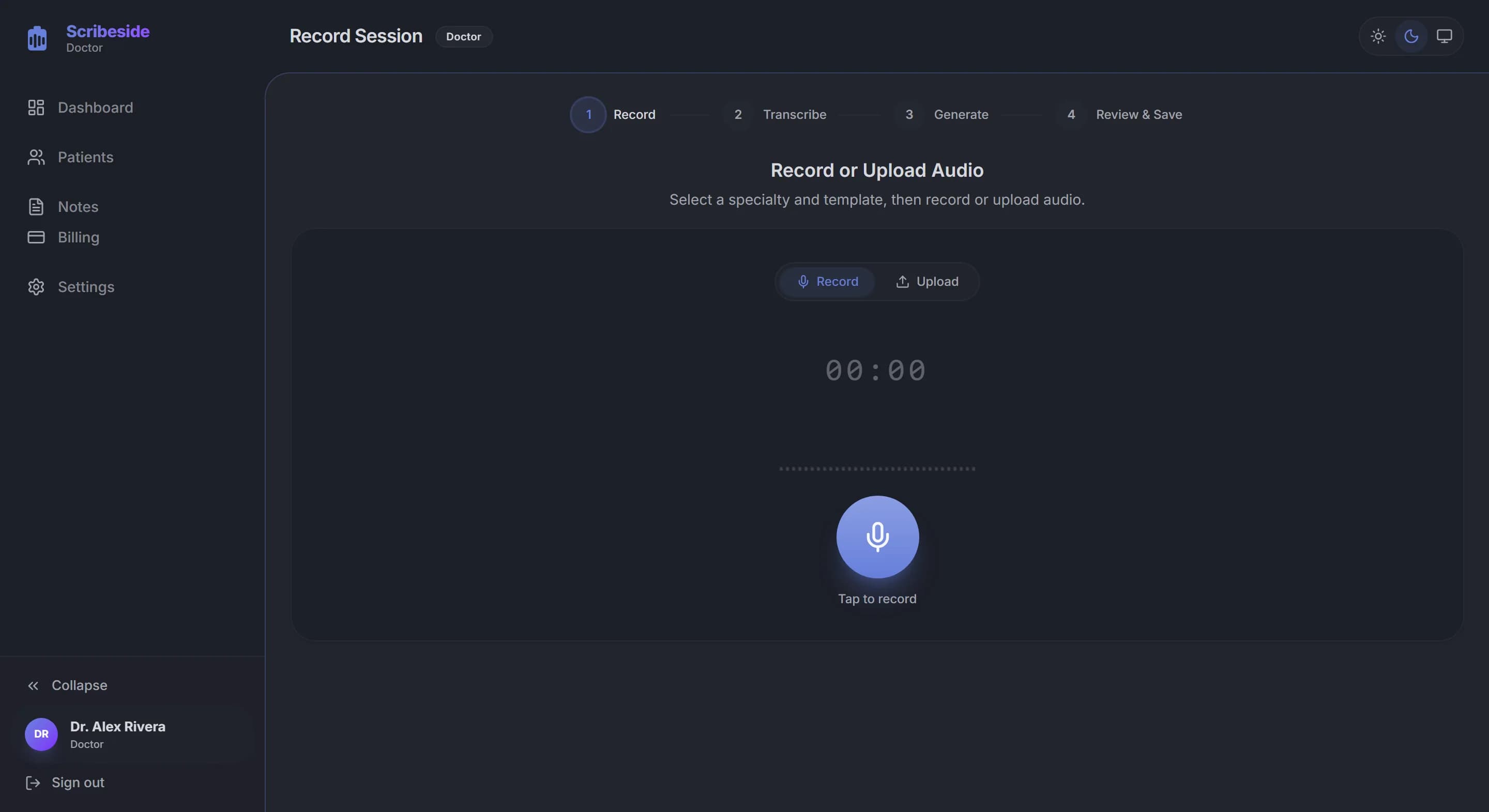
Choose a specialty and template, record or upload the audio, then follow it through transcription, generation and a final review.
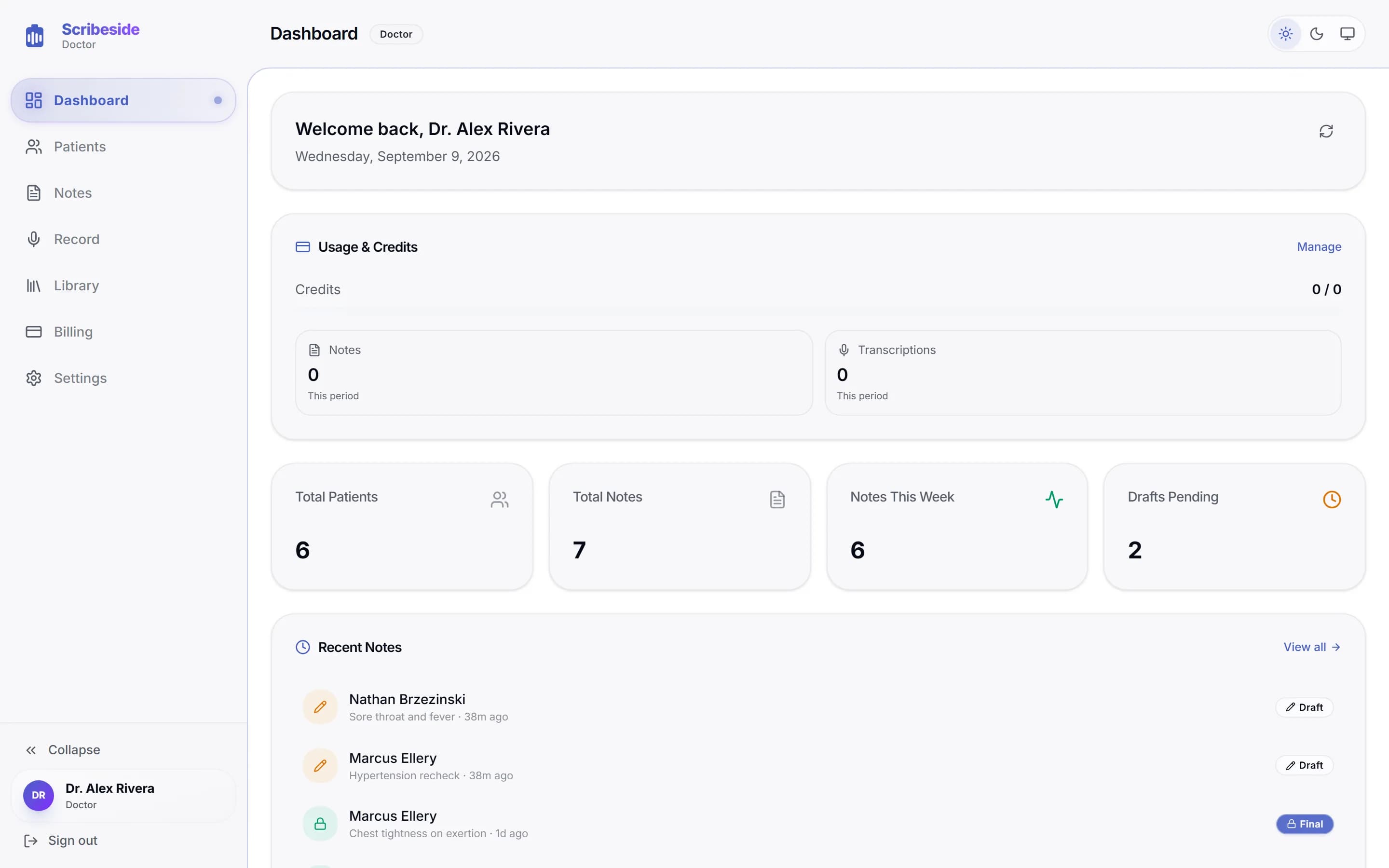
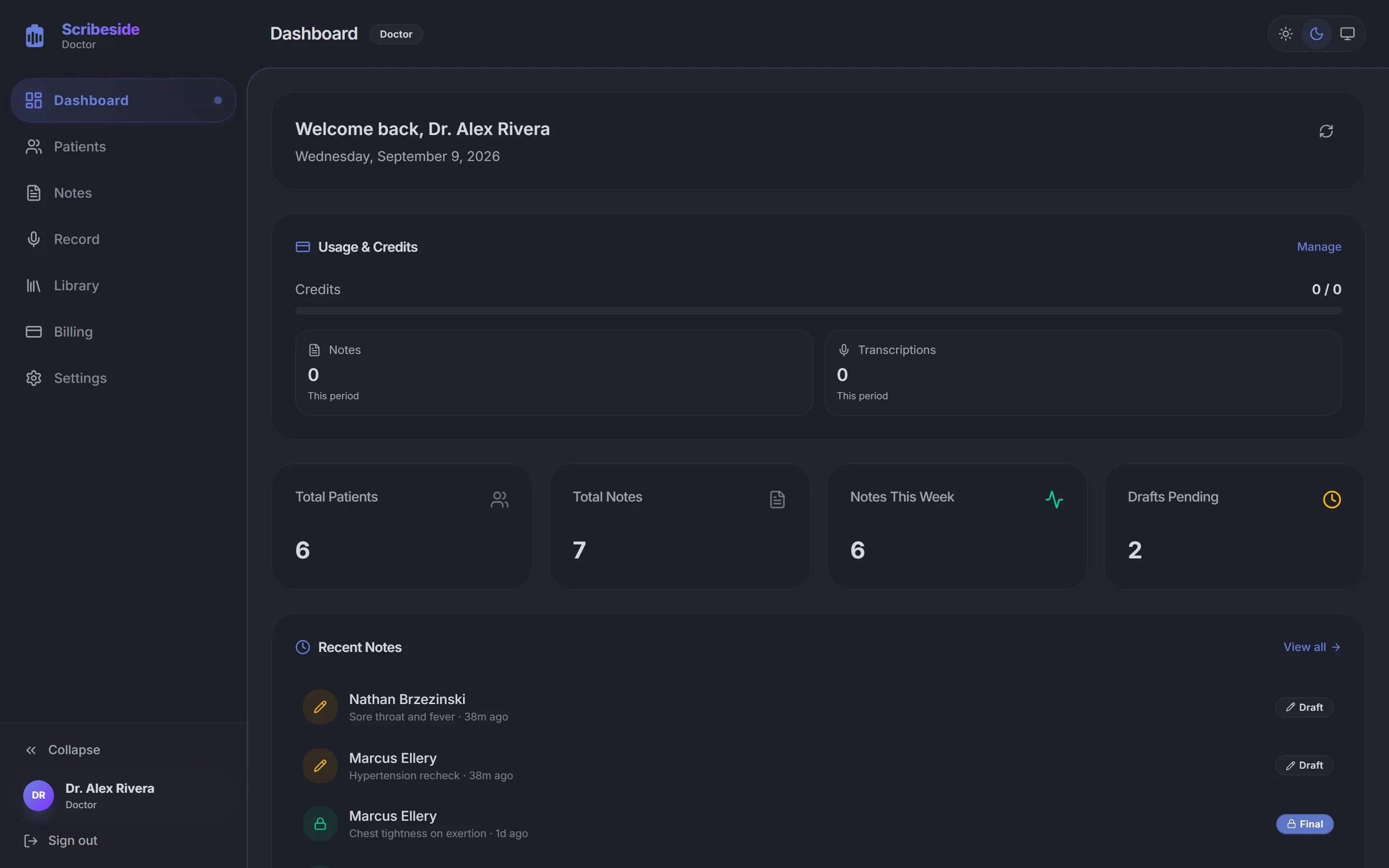
Patient totals, the notes you finished this week and any drafts still waiting, on the screen you land on.
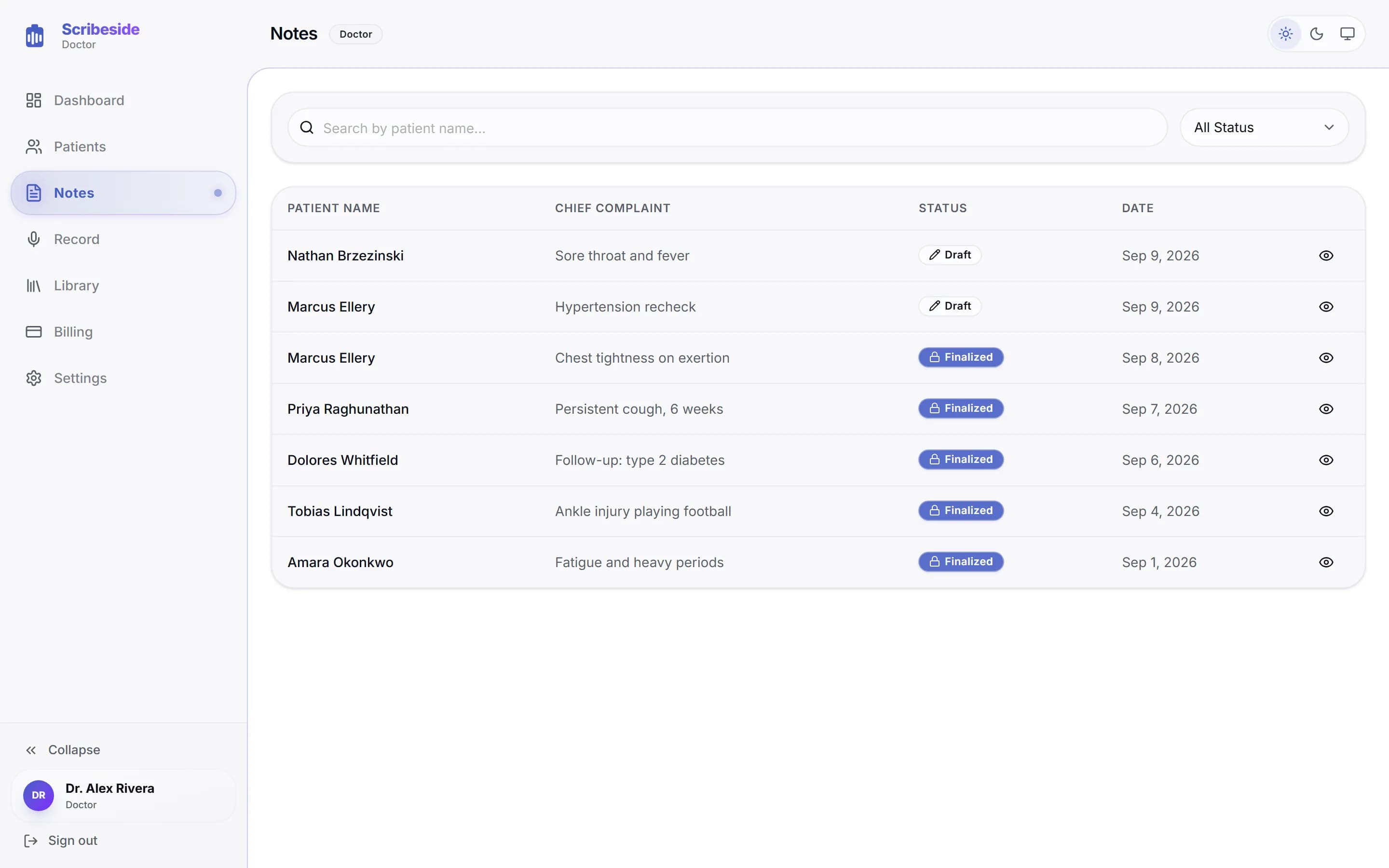
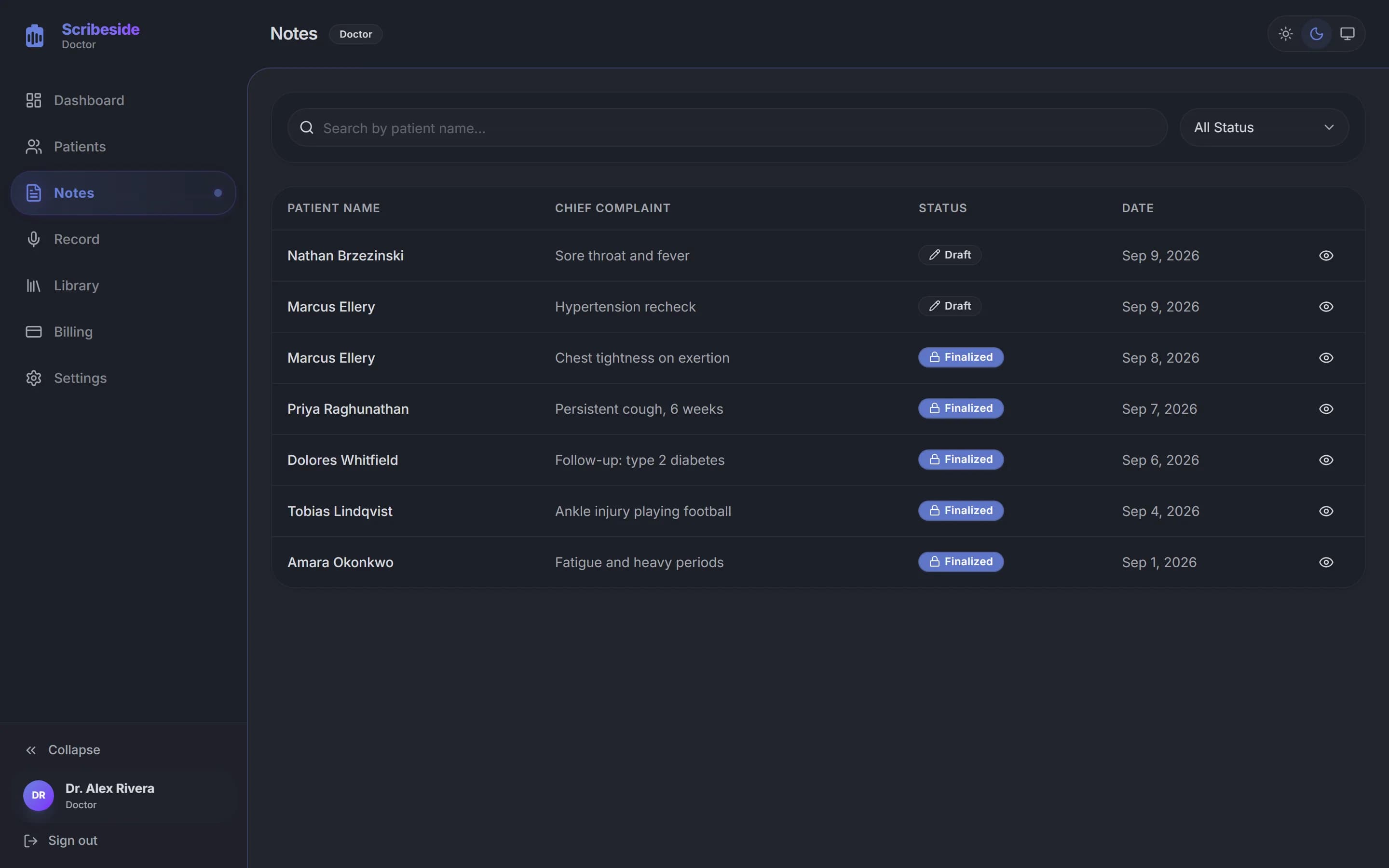
Search by patient name, filter by draft or finalized, and open any visit without hunting through folders.
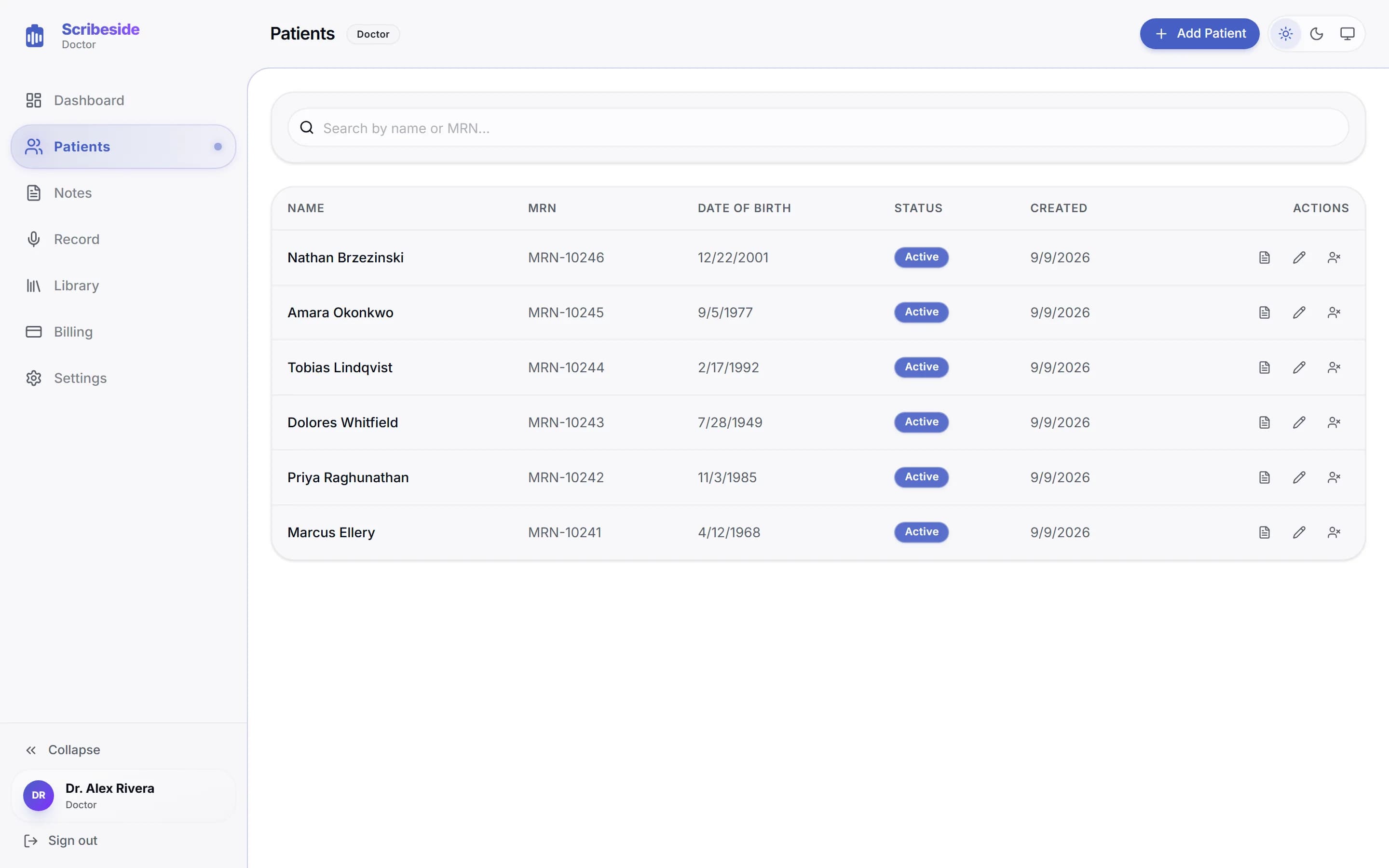
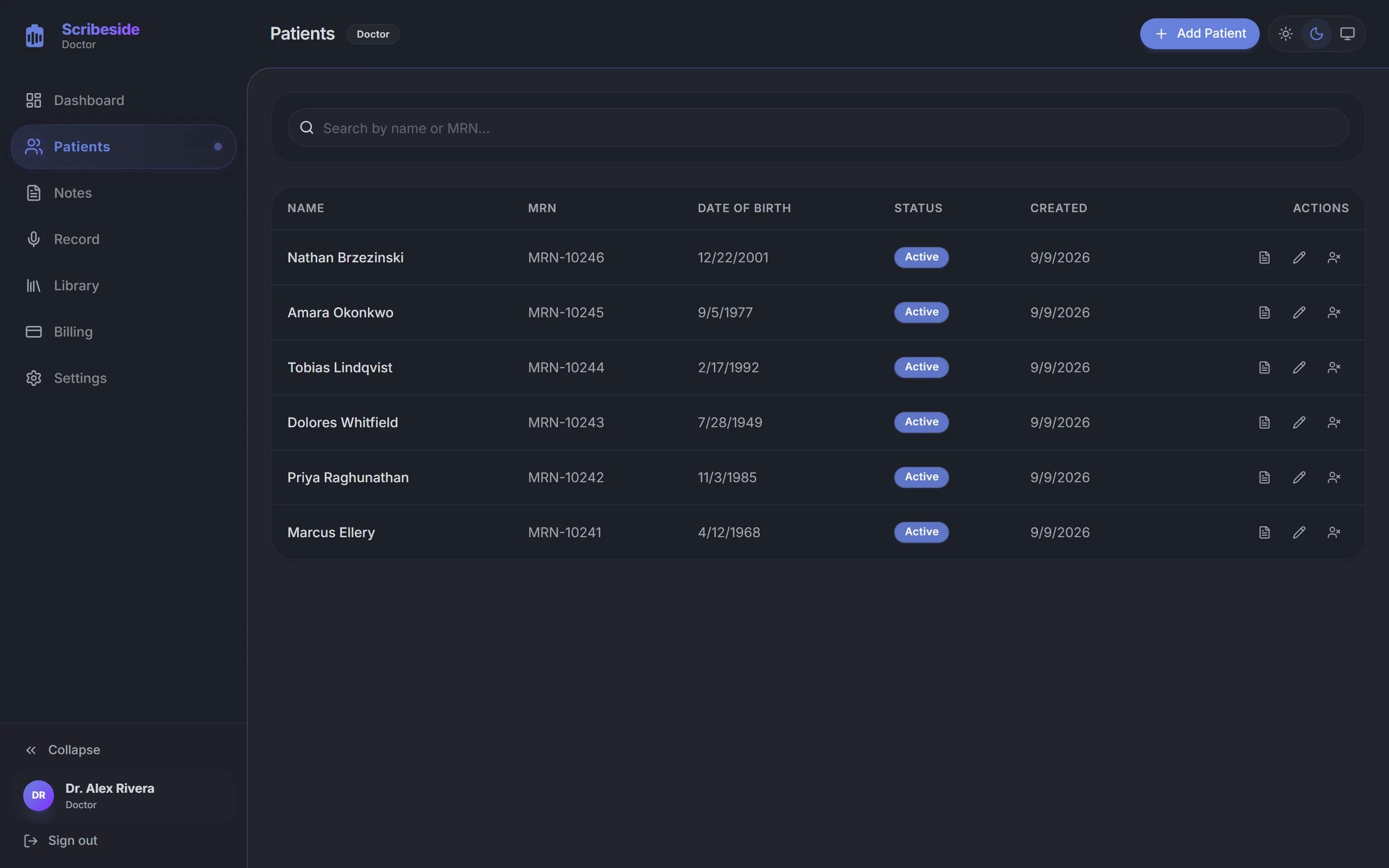
Every patient carries their medical record number, date of birth and status, so a search by name or MRN lands you on the right chart.
Scribeside handles the documentation so you can handle the care. Experience the future of medical charting.
Simply record your patient consultations. Our AI listens, understands medical context, and automatically drafts structured notes.
Get a structured SOAP note drafted from the consultation. Review it, edit anything that needs changing, then copy the finished note into your EHR.
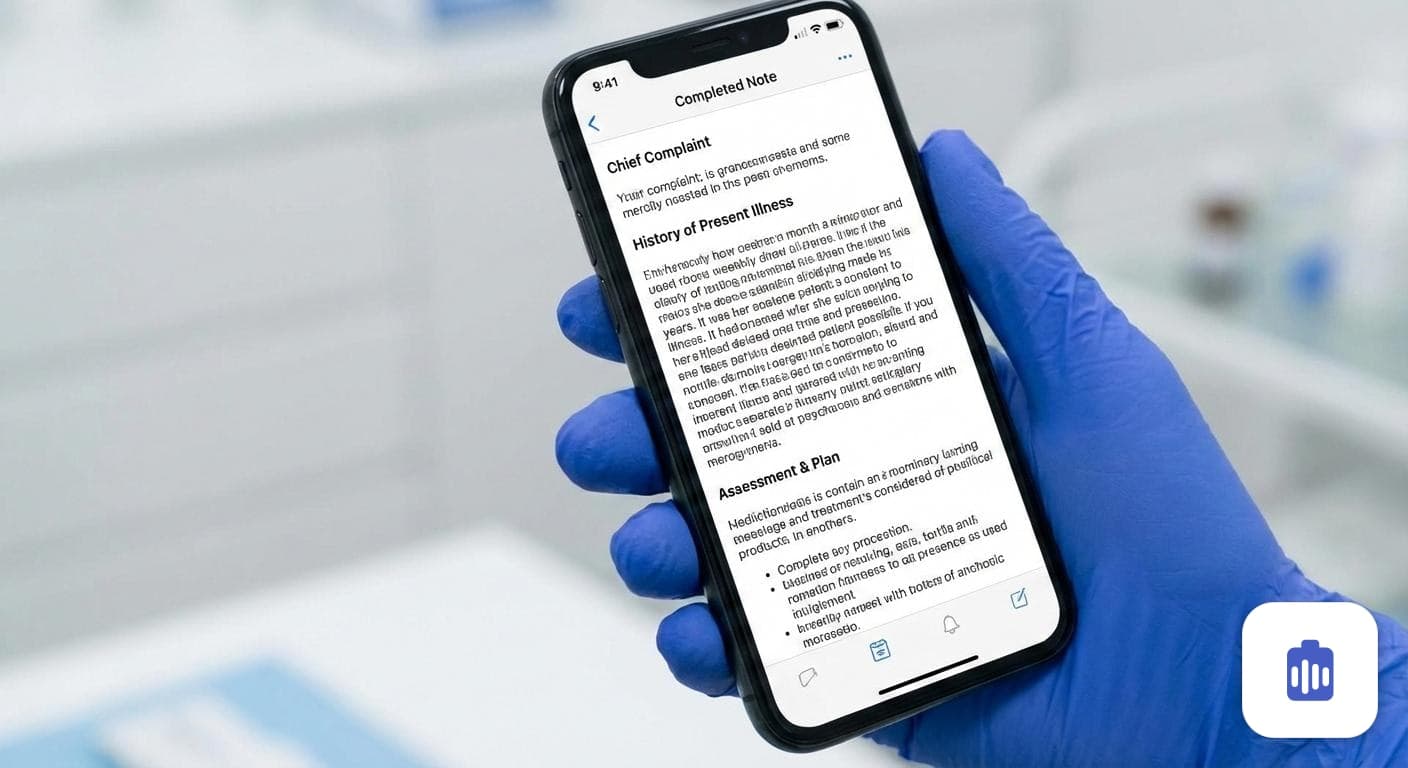
Whether you're in primary care, cardiology, or psychiatry, Scribeside adapts to your specialty's terminology and note formatting.
Easily access past consultations and notes. Track patient progress over time with organized, searchable records.
Use your phone for recording on the go, and review notes on your desktop. Your data stays perfectly synced across all devices.
Scribeside is designed around HIPAA requirements rather than certified against them, and we describe it that way deliberately. Here is what that means in practice.
From conversation to clinical note in three simple steps.
Open Scribeside on your phone or computer and press record during your patient visit. The app captures the conversation securely in real-time.
Our advanced medical AI processes the audio, extracts relevant clinical information, and structures it into a professional Note format (SOAP, etc.).
Review the generated note and make any edits it needs. When you are happy with it, save it to the patient record or copy it into your EHR.
Scribeside takes the write-up off your evening without taking the note out of your hands.
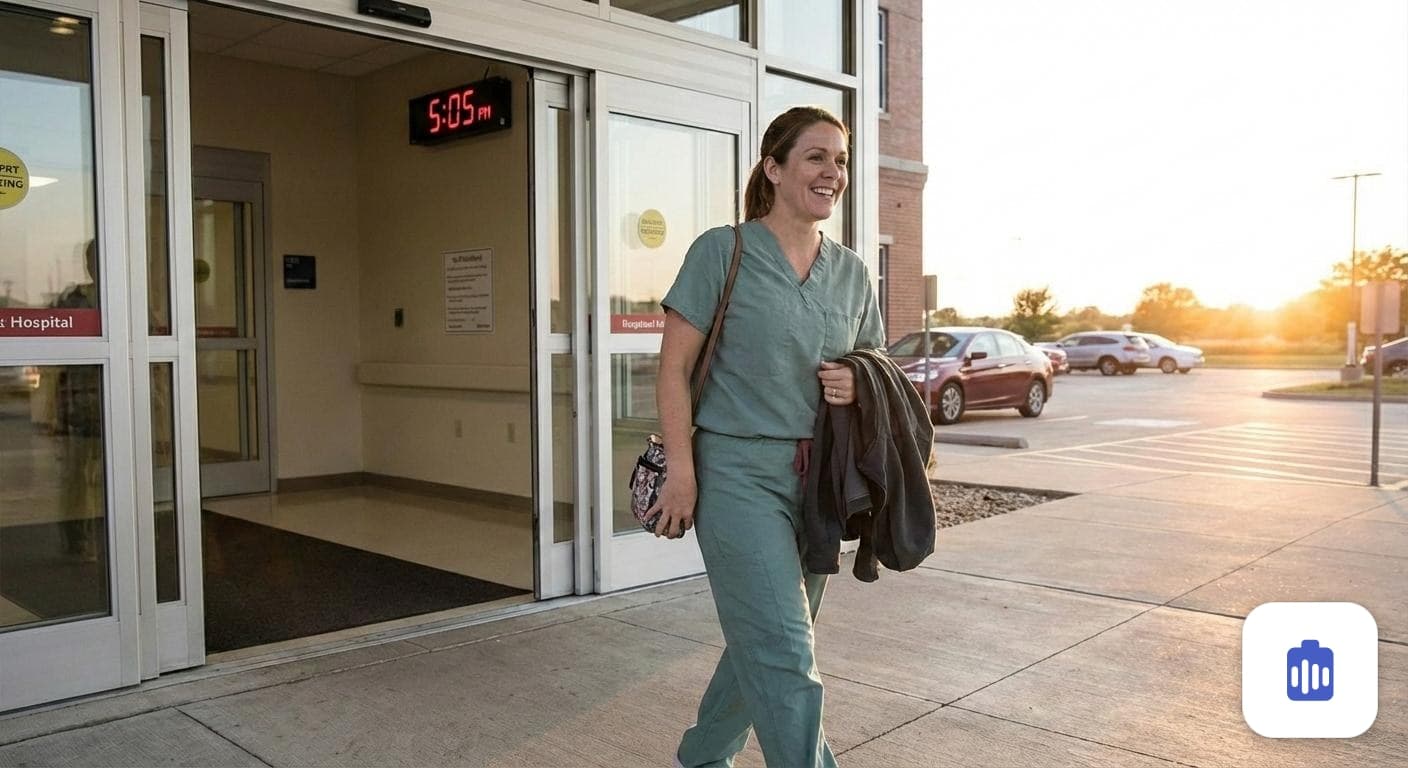
Finish the notes before you leave.
The visit is captured while it happens, so you can keep your attention on the patient instead of splitting it with a keyboard.
Notes come back in SOAP form and follow the specialty template you pick, so the draft starts close to what you would have written.
Instead of facing a blank note at the end of the day, you review and edit a draft that is already there, then save it.
What Scribeside does, how it handles patient data, and how to get started.
An AI medical scribe is software that listens to a patient consultation and turns the conversation into a structured clinical note. Instead of typing during the visit or catching up on charts at night, the clinician records the encounter and the AI drafts the documentation. The clinician then reviews the draft, edits anything that needs changing, and puts the finished note in the chart. Scribeside is an AI medical scribe built for physicians and other clinicians who would rather spend the visit looking at the patient than at a keyboard.
Scribeside works in three steps: record, generate, review. You open Scribeside on your phone or computer and press record at the start of the consultation, the audio is transcribed and analyzed for clinical content, and a structured note is drafted from what was discussed. You then review the note, make any edits, and copy it into your chart system. Past recordings and notes stay in your account so you can look back at earlier visits.
Scribeside produces SOAP notes by default, with separate Subjective, Objective, Assessment and Plan sections, which is the structure most outpatient encounters are documented in. Specialty templates adjust terminology and section emphasis for areas such as primary care, cardiology and psychiatry. Every note is fully editable, so you can rewrite a section, add detail or trim wording before you finalize it.
Scribeside produces a draft that the clinician reviews, edits and approves. It is not an autonomous documentation system and it is not a diagnostic tool, so nothing reaches the chart without a clinician reading it first. Accuracy depends on things like audio quality, background noise and how much clinical detail is actually spoken aloud during the visit. The clinician remains responsible for the final content of the medical record.
A draft is typically ready shortly after you stop recording, and longer consultations take longer to process than short ones. You do not have to sit and wait for it: the note appears in your notes list once processing finishes, so you can start the next patient. Reviewing and lightly editing a draft is usually much faster than writing the note from scratch.
Scribeside does not write directly into an EHR. Finished notes are copied out of Scribeside and pasted into whatever chart system you already use, which means it works alongside any EHR with no integration project and no IT rollout. Your notes also stay in Scribeside, organized by patient and visit, so you keep a searchable record of past consultations.
Scribeside is designed around HIPAA requirements rather than certified against them, and we describe it that way deliberately. Patient data is encrypted in transit and at rest, access is scoped to the clinician account that owns the record, actions on records are audit logged, and protected health information is kept out of application logs. HIPAA compliance is a shared responsibility between a vendor and a practice, so contact us at hello@scribeside.com to review your organization requirements before you use Scribeside with real patient data.
Scribeside is for physicians and other clinicians who document patient encounters, across primary care and specialties such as cardiology, psychiatry and pediatrics. Accounts are created by an administrator for a practice or organization, so each user is provisioned deliberately rather than through public self-signup. If you run consultations and then write them up afterwards, Scribeside is built for your workflow.
Access is granted by an administrator, since there is no public self-signup. Fill in the short form at scribeside.com/request-access, or email hello@scribeside.com with your name, your role and your practice or organization, and an account will be set up for you. Once the account exists you sign in at portal.scribeside.com on your phone or computer and can record your first consultation straight away.
The best AI medical scribe for you gets four things right: it captures the clinical conversation accurately, it structures notes the way clinicians actually document (SOAP and specialty variants), it returns a draft fast enough to be useful before the next patient, and it treats protected health information as protected health information. Just as importantly, it keeps the clinician in control by producing a draft to review and sign rather than filing documentation on its own. When you compare options, test them on your own consultations, in your own room, with your own accent and specialty vocabulary, because demo audio is always cleaner than clinic audio.
Still have a question? Email hello@scribeside.com and we will get back to you.
Tell us about your practice and we will set up your account. Scribeside is a closed system, so access is granted by an administrator.